
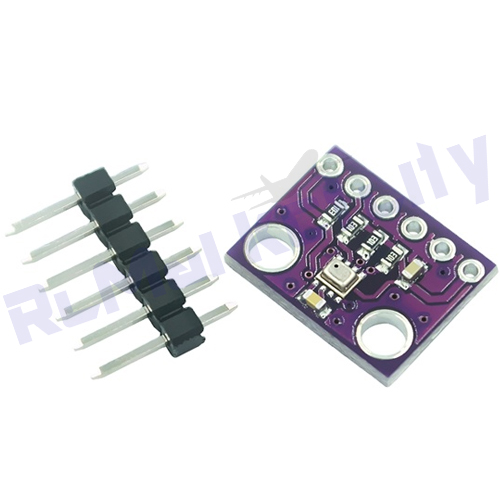
Specification
Connect the VCC pin of the module to 3.3V or 5V on your microcontroller (3.3V is recommended for optimal performance).
Connect GND to the ground pin.
Link SDA to the SDA pin (e.g., A4 on Arduino Uno, GPIO21 on ESP32).
Link SCL to the SCL pin (e.g., A5 on Arduino Uno, GPIO22 on ESP32).
Install the required libraries: Adafruit_AHTX0 and Adafruit_BMP280 via the Arduino Library Manager.
Upload the sample code from the Adafruit GitHub repository to initialize both sensors.
Open the Serial Monitor to view real-time temperature, humidity, and pressure readings.
Package Contains:
1Nos BMP280 Pressure Sensor
Tags: BMP280, BMP280 Sensor Module, Barometric Pressure Sensor, Atmospheric Pressure Sensor, Altitude Sensor, Temperature Sensor, Arduino Sensor, ESP32 Sensor, Raspberry Pi Sensor, Weather Station Module, IoT Sensor, Robotics Sensor, Environmental Monitoring, DIY Electronics, RC Market City